Hole Near an Edge — Stress Concentration (Kt) Calculator
What you'll get
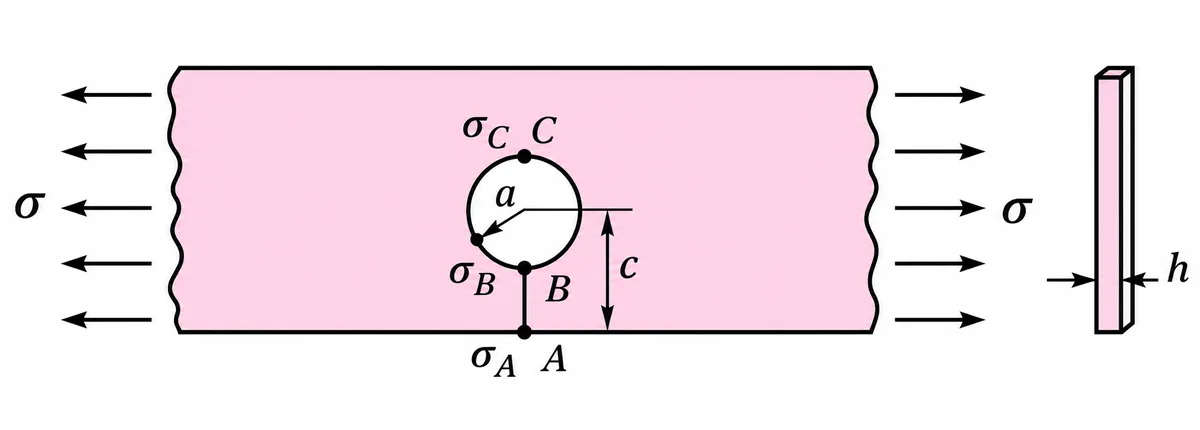
Find Kt and the stress at the free edge and both sides of a hole close to a plate edge, the load on the ligament, and whether it yields.
Put a hole close to a free edge and the thin strip of material between them — the ligament — has to carry the load the hole can't. The stress at the hole edge nearest the free edge climbs well above the textbook 3σ of an isolated hole.
How to use it
- Enter the hole radius a, the distance c from the hole centre to the free edge, the thickness h and the remote tensile stress σ.
- Pick a material, or choose Custom and enter the yield strength.
- Results update as you type. Units are mm, N and MPa.
Rule of thumb: keep c at least 2a to 3a.
Results
- 0.500
- (free edge)
- 0.700
- (hole, near edge)
- 3.699
- (hole, far side)
- 3.198
- (on ligament A–B)
- 2.136
- (peak, at B)
- 184.96 MPa
- (isolated hole, 150.00 MPa)
- +23.3%
Design tip: keep c at least 2a to 3a.
Step-by-step hand calculation
Full working with your numbers
Every step to the factor of safety, written out with your own inputs — the way you'd write it in an exam.
Already enrolled in a course? Log in to see it. Otherwise, any CADseekho course unlocks it.
Charts
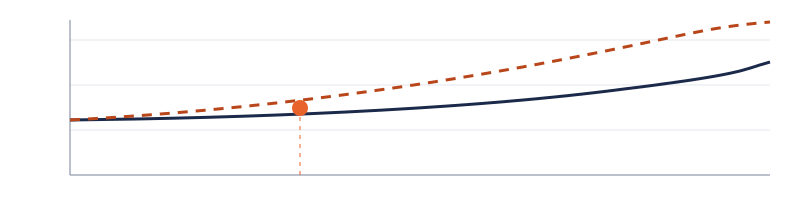
Kt chart with your design point
Kt at A, B and C against a/c with your design point marked, and a side-by-side of the stresses at A, B and C.
Already enrolled in a course? Log in to see it. Otherwise, any CADseekho course unlocks it.
Validate it in ANSYS / SolidWorks Simulation
- Use a half model with a symmetry plane through the hole centre, normal to the load.
The full validation guide
Model setup, mesh refinement, where to probe, and how close your FEA result should land.
Already enrolled in a course? Log in to see it. Otherwise, any CADseekho course unlocks it.
Related resources
Do this first
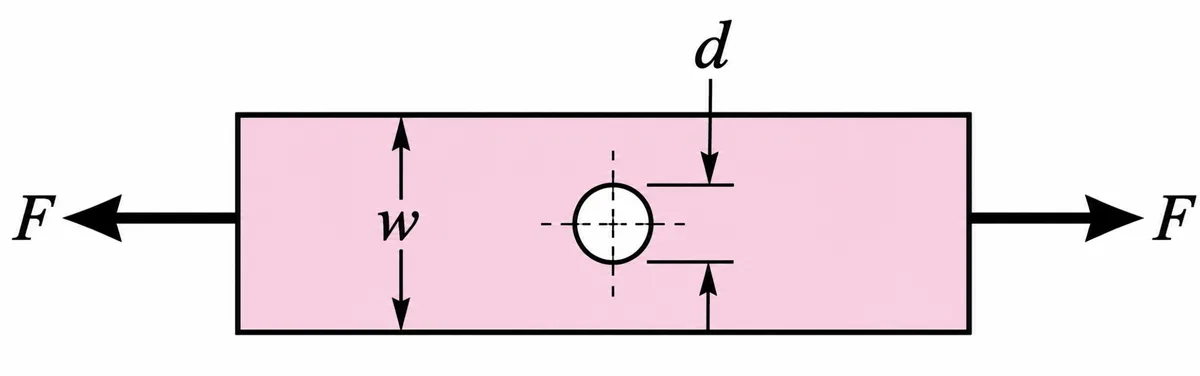
Plate with a Hole — Stress Concentration (Kt) Calculator
Get Kt, the peak stress at the hole and a safe/marginal/yields verdict for a plate with a central hole in tension — then check the full hand calculation.